Optimized charts rendering engine reduces loading time and increases battery life up to 25%.
English
Menu

Registration
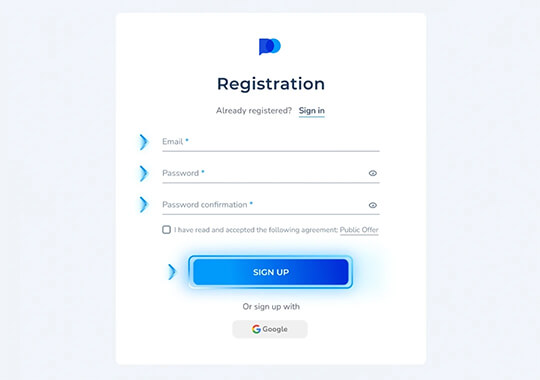
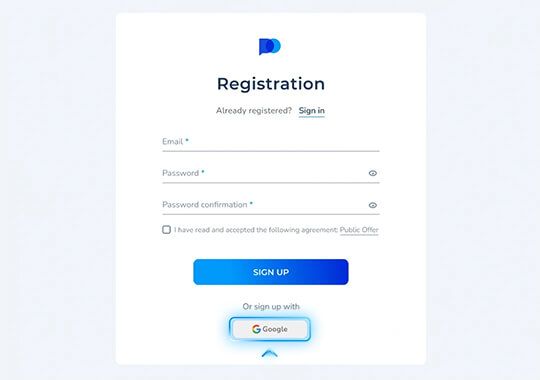
Create a free trading account by using your email address or simply authorize via your Google account.
Select the most comfortable option and proceed with your account registration. Please note, that if you sign up via Google you will may need to reset your password here in order to login to your PO TRADE account by using email and password instead.



Verification
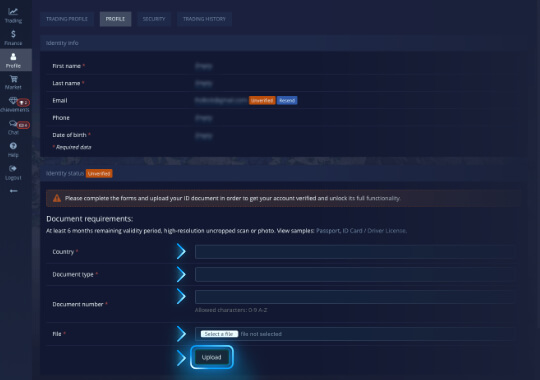
Complete the verification procedure for your account.
Verification is a required procedure in order to protect your account and funds from unauthorized access as well as comply with all financial regulations and AML requirements.
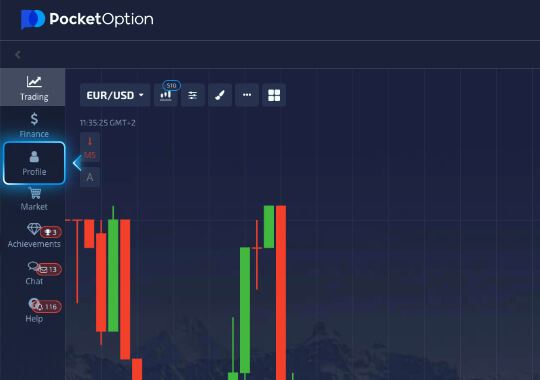
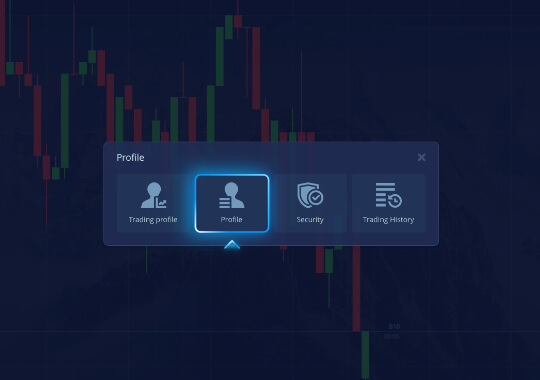
To complete account verification after registration, go to your profile. Enter your personal information and upload a document verifying your identity and address.
Your account will be reviewed and confirmed once everything is provided correctly, unlocking you all the features PO TRADE platform has to offer!
Deposit
Deposit funds to your trading account using the most convenient method. Payment processing time depends on the method used.
After verifying your account, all available deposit methods will become accessible to you. Choose the option that suits you and follow the instructions to complete the payment. Depending on the method selected, it may take some time for the payment to be credited to your PO TRADE trading account.
Please note that in accordance with the Public Offer Agreement as well as AML policies, you are able to withdraw funds via the methods that you previously used for depositing on your trading account.


Trading
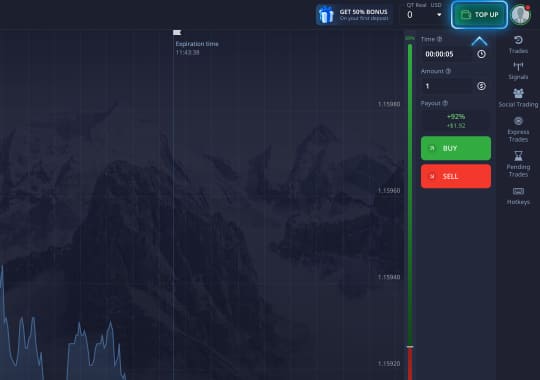
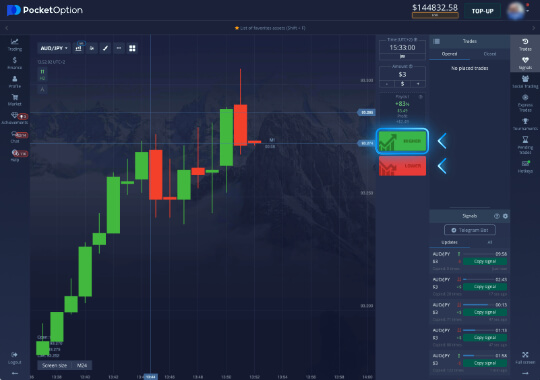
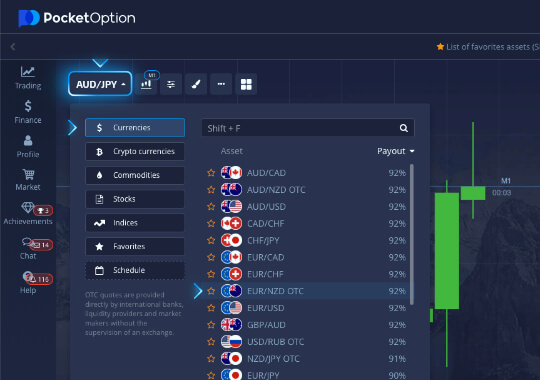
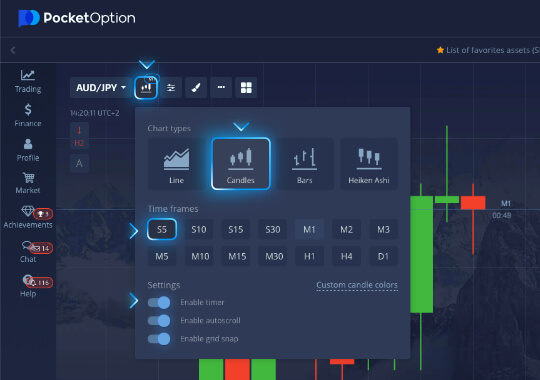
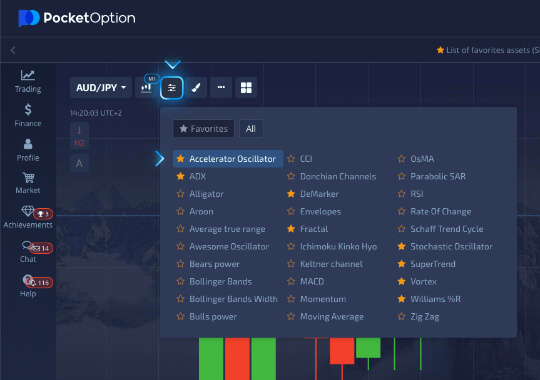
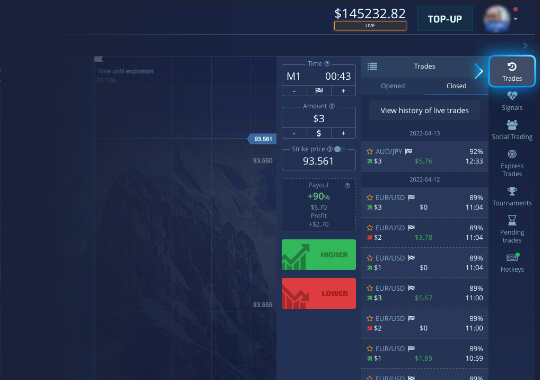
Getting started with trading on PO TRADE is easy! Select a trading asset, set up a suitable chart type, and use indicators for technical market analysis. Set your trade amount, timeframe, and place a buy or sell order.
Use built-in signals and charting tools to make your forecast as accurate as possible. You can always track your open positions and monitor your trading session history in the "Trades" menu.
View our comprehensive Platform Guide to learn more about all the trading services PO TRADE provides.
Profit
If your forecast when opening a trade proves correct, you will receive a profit. The trade amount and the profit earned will be automatically added to your trading account balance.
Manage your income properly — continue investing or withdraw your profit. Follow money management rules, analyze your strategies, and optimize them according to current market conditions. Read more about trading strategies here.


Withdrawal
You can withdraw funds from your trading account at any time without any amount restrictions if you do not have active deposit bonuses.
If you have an active unexecuted deposit bonus, the bonus amount will be deducted from your balance. Information about bonuses and their execution progress can be viewed in the Promo Codes section.
To withdraw funds, place a withdrawal request and use the method you previously used to deposit. Processing time for the withdrawal request depends on the method you selected.


Social Trading is one of the many unique features PO TRADE has to offer. It allows you to monitor progress, view ratings, as well as set up automatic trading orders copy of the most successful traders.
Start your passive income with social trading and copy PRO traders.

Chat is another exclusive feature offered by PO TRADE. Contact the support service and receive a reply in a timely manner, communicate with other traders, create your own chat groups. Get instant analytics information, stay abreast of the latest news and promotions.
Truly social trading experience at your fingertips.
Risk warning:
Investing in financial products involves risks. Past performance does not guarantee future returns, and values may fluctuate due to market conditions and changes in underlying assets. Any forecasts or illustrations are for reference only and are not guarantees. This website does not constitute an invitation or recommendation to invest. Before investing, seek advice from financial, legal, and tax professionals, and assess whether the product suits your goals, risk tolerance, and circumstances. This website does not provide service to residents of the EEA countries, USA, Israel, UK, Philippines, Japan and Brazil.